💻 New Release
Linux · macOS · Command Line
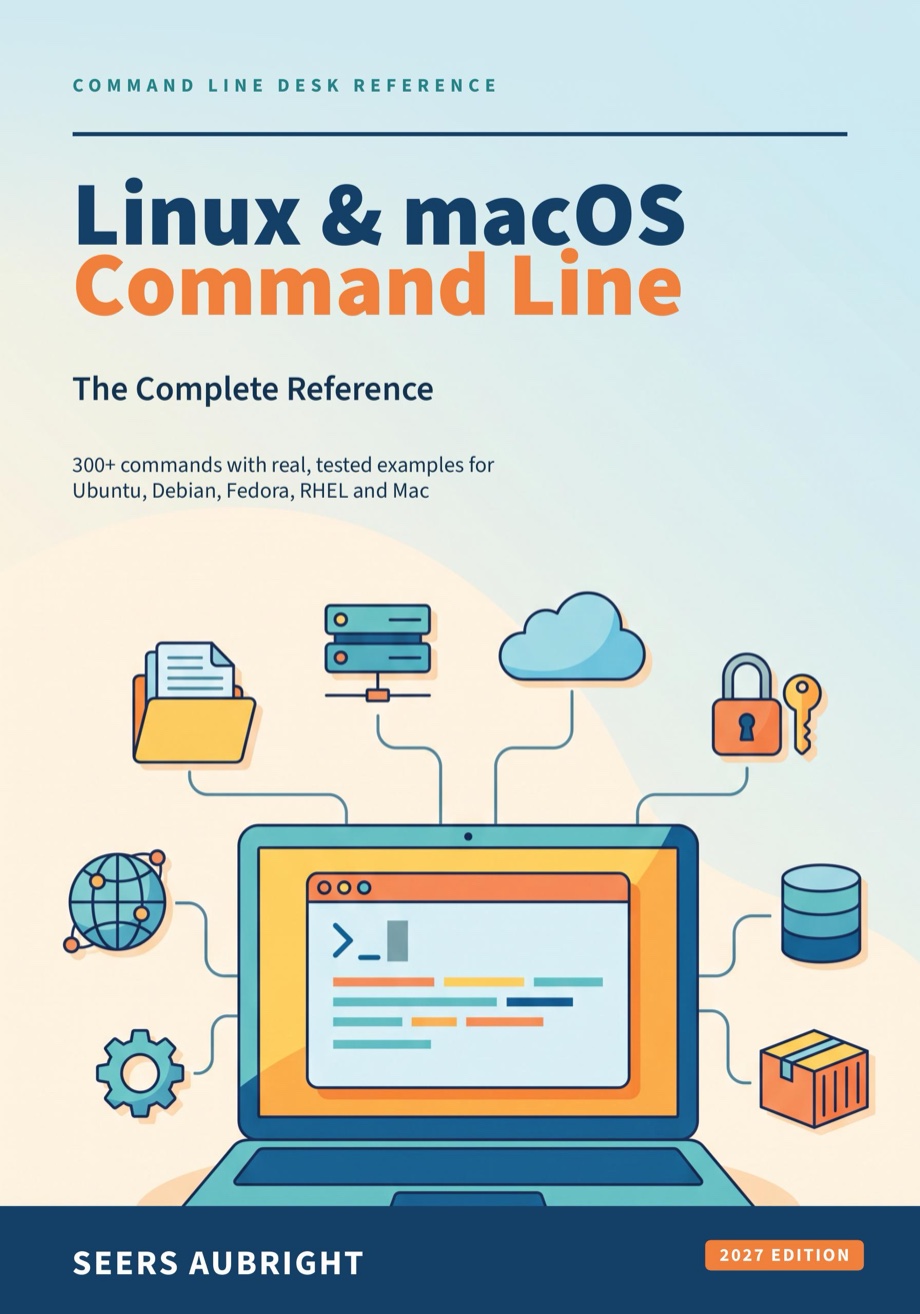
Linux & macOS Command Line
The Complete Reference: 300+ commands with real, tested examples for Ubuntu, Debian, Fedora, RHEL and Mac
Shipped worldwide via Amazon. Paperback edition.
Real pages from the printed book. Every command entry follows the same layout, and the output you see came from real machines. Tap any page to read it full-size.
 🔍 Tap to read
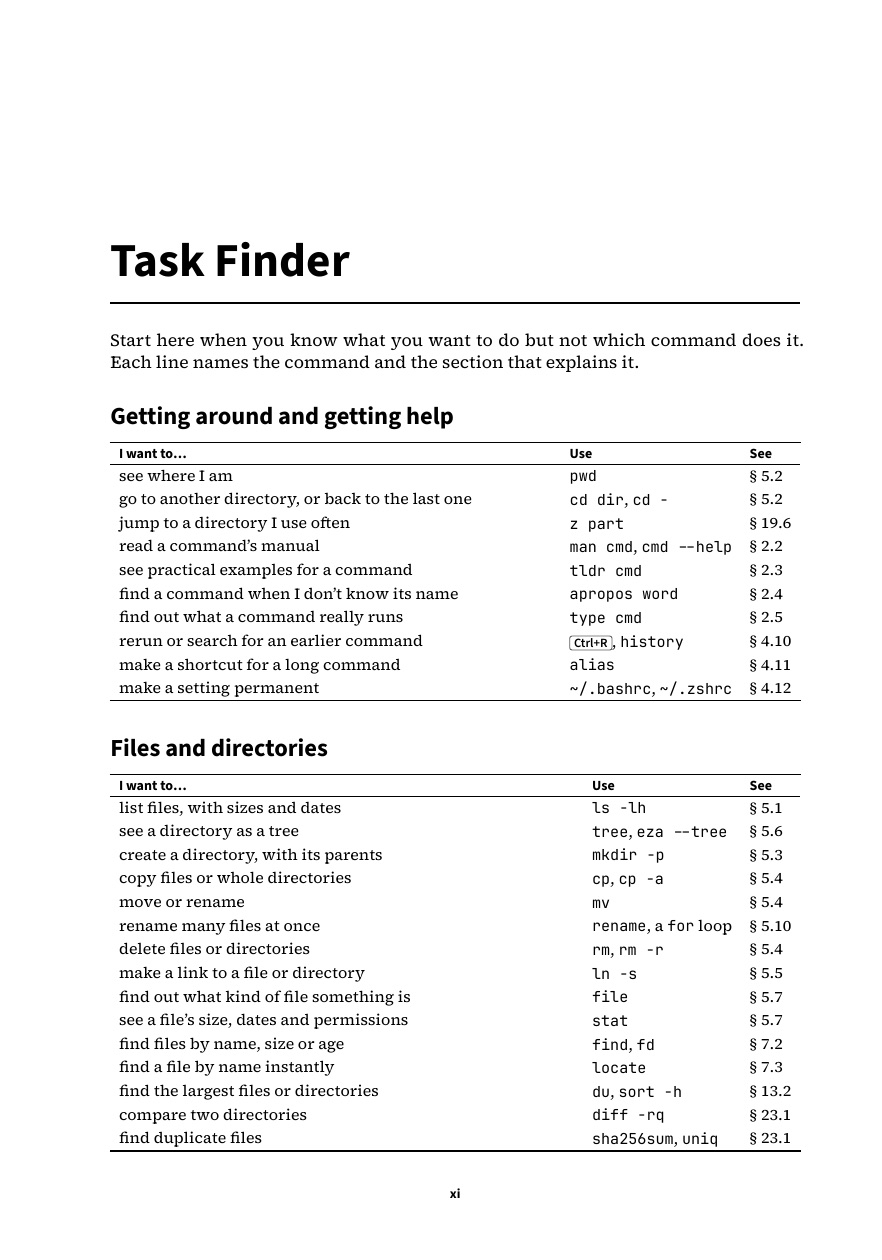
Know what you want to do but not which command does it? Look it up by task, then jump to the section.
 🔍 Tap to read
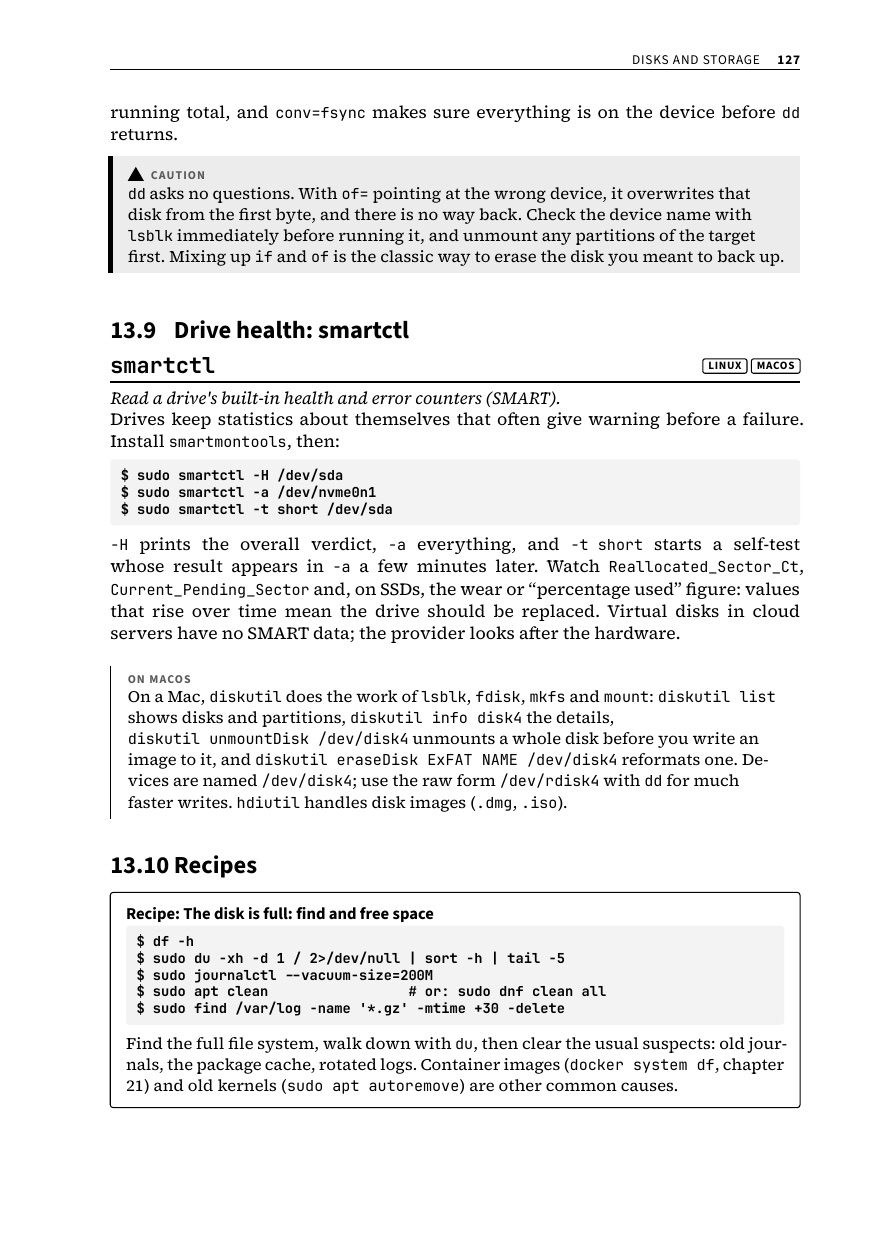
Check a drive’s health, then follow the recipe that finds and frees space when the disk is full.
 🔍 Tap to read
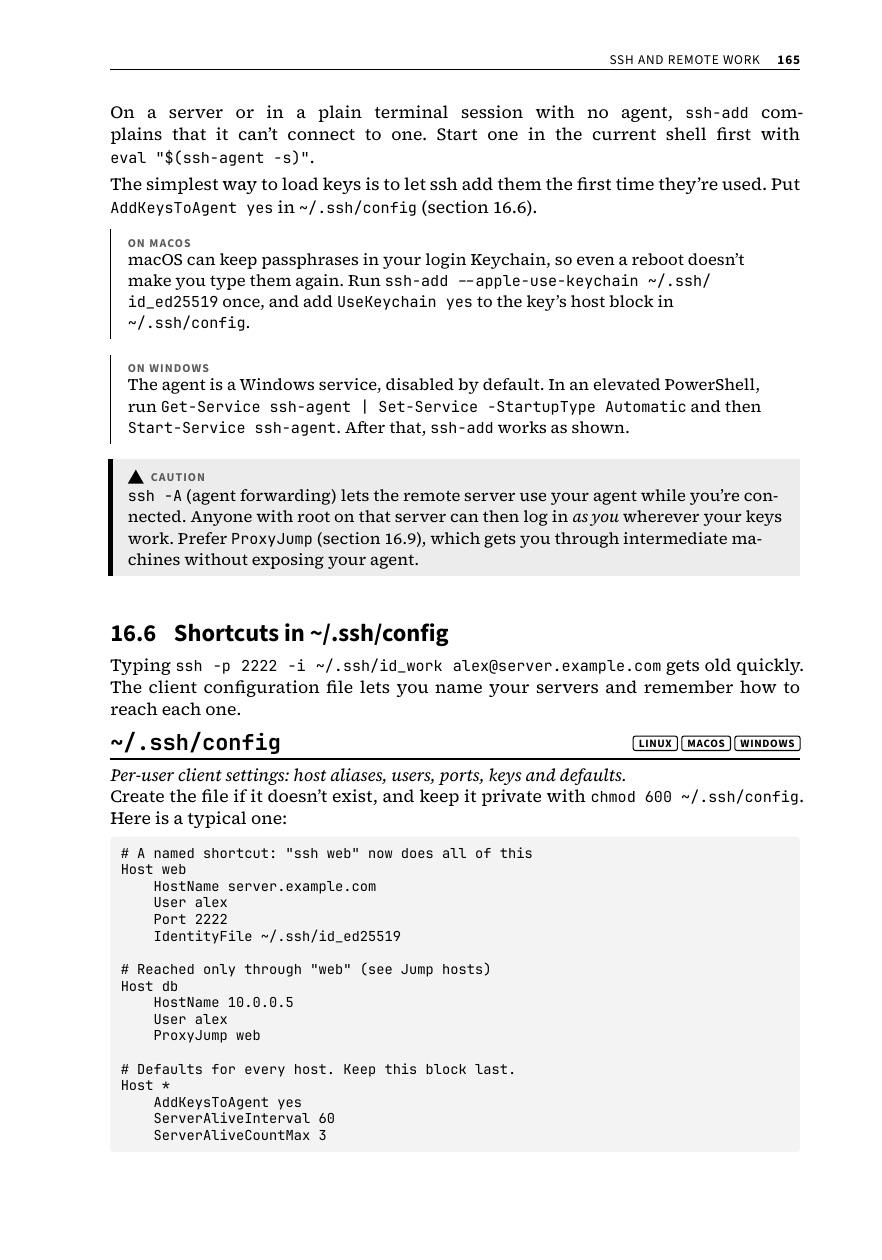
Keys, agents, host shortcuts and jump hosts: reach every server with a short name and no retyping.
 🔍 Tap to read
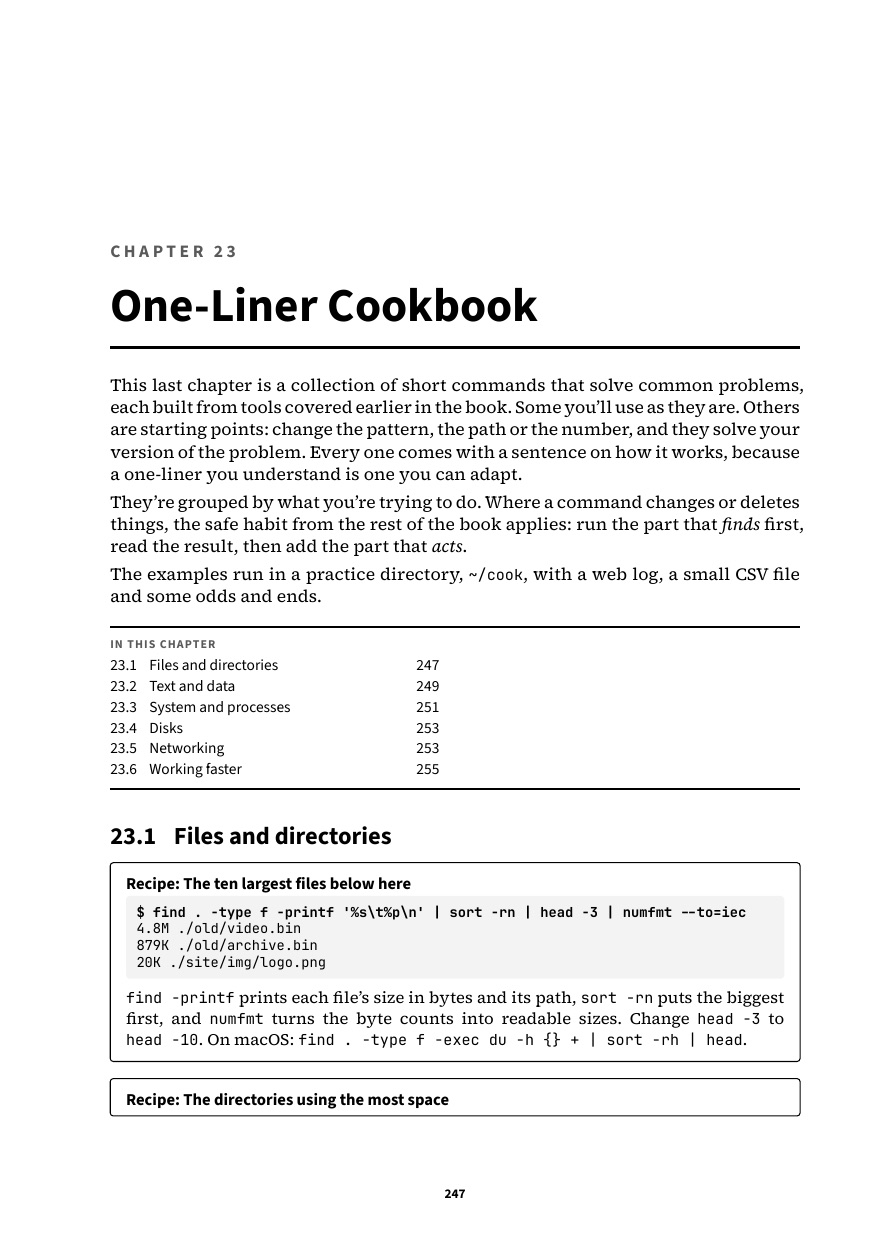
More than 50 short commands for everyday problems, built from the tools covered earlier in the book.
Tip: click a page to zoom · use ← → to flip · Esc to close — swipe on mobile
One dependable book for the terminal, from your first command to servers, containers and scripts.
Every entry gives the syntax, the options that matter, examples you can copy, and a warning wherever a mistake can cost you data.
The examples were run on Ubuntu 24.04 LTS and Rocky Linux 10, and the Mac notes were checked on macOS 26. The output printed is what those systems answered.
“On macOS” boxes show exactly where the Mac’s commands differ, and an appendix maps each task to its Windows CMD and PowerShell equivalent.
A Task Finder at the front (“I want to…”), a full index at the back, and cross-references between related commands.
Answers to real problems such as “the disk is full”, “why can’t I reach this service?” and “a service won’t start”.
SSH in depth, networking and firewalls, packages on every Linux family and Homebrew, git, Docker, Compose, kubectl essentials, and your first shell scripts.
The book starts with the foundations: terminals and shells, how a command is built, the file system, pipes, redirection, quoting and variables. Then it works through files, text, search, permissions, users, processes, services, logs, disks and monitoring.
It’s written for:
The large 7 × 10 inch format keeps long commands and real output readable.
300+ commands, 138 recipes and a one-liner cookbook, tested on real Linux and Mac systems.
Buy on Amazon 🚚